Writing Prompt Generator
Pick a genre and tap for a prompt. Set a timer and write for 10 minutes.
Tap "New prompt" to get a story idea.
32 prompts · no repeats until the deck runs out
Add players (optional) – the tool will call turns
A writing prompt generator gives you a random story idea to start writing. Choose a genre – fantasy, sci-fi, everyday life or mystery – tap "New prompt", and use the one-line idea as the first spark for a story, a journal entry or a class exercise.
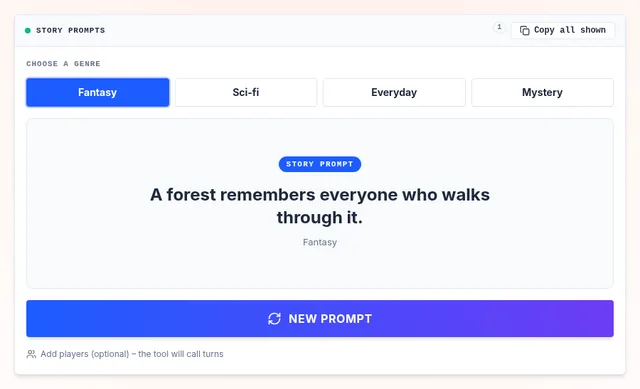
Prompts are short on purpose: they give you a situation, not a plot, so every writer takes them somewhere different. Try writing for ten minutes without stopping.
How to Use a Writing Prompt
Pick a genre
Or switch genres every round for variety.
Set a timer
10 minutes is enough for a first draft. Do not stop to edit.
Twist it
Change the point of view, setting or ending to make the idea yours.
Writing Prompts for Students
Teachers use prompts for daily journals, timed writing practice and creative writing units. Pair a prompt with a random word that must appear in the story, or a random object the main character finds.
Beating Writer's Block
Writer's block often comes from too many choices. A random prompt removes the blank page: you are no longer choosing what to write, only how. Keep the prompts you like by tapping "Copy all shown" and pasting them into your notes.
Frequently Asked Questions
How does the writing prompt generator work?
Can I use these prompts in class?
What should I write?
Related Wheels
More free tools in the same family.